
즐겨찾기, 히스토리, 씬 북마크, 클립보드 —
네 가지 도구로 매일 반복되는 에디터 작업을 단순하게 정리합니다.
Favorites, History, Scene Bookmarks, Clipboard —
four tools that simplify the small things you do every day in the editor.

EasyTools는 매일 쓰는 작은 동작들을 자동화합니다. 에셋을 다시 찾고, 작업을 되돌리고, 씬을 오가고, 컴포넌트를 옮기는 시간을 줄여줍니다. EasyTools automates the tiny actions you repeat every day — finding assets, undoing work, navigating scenes, and moving components.
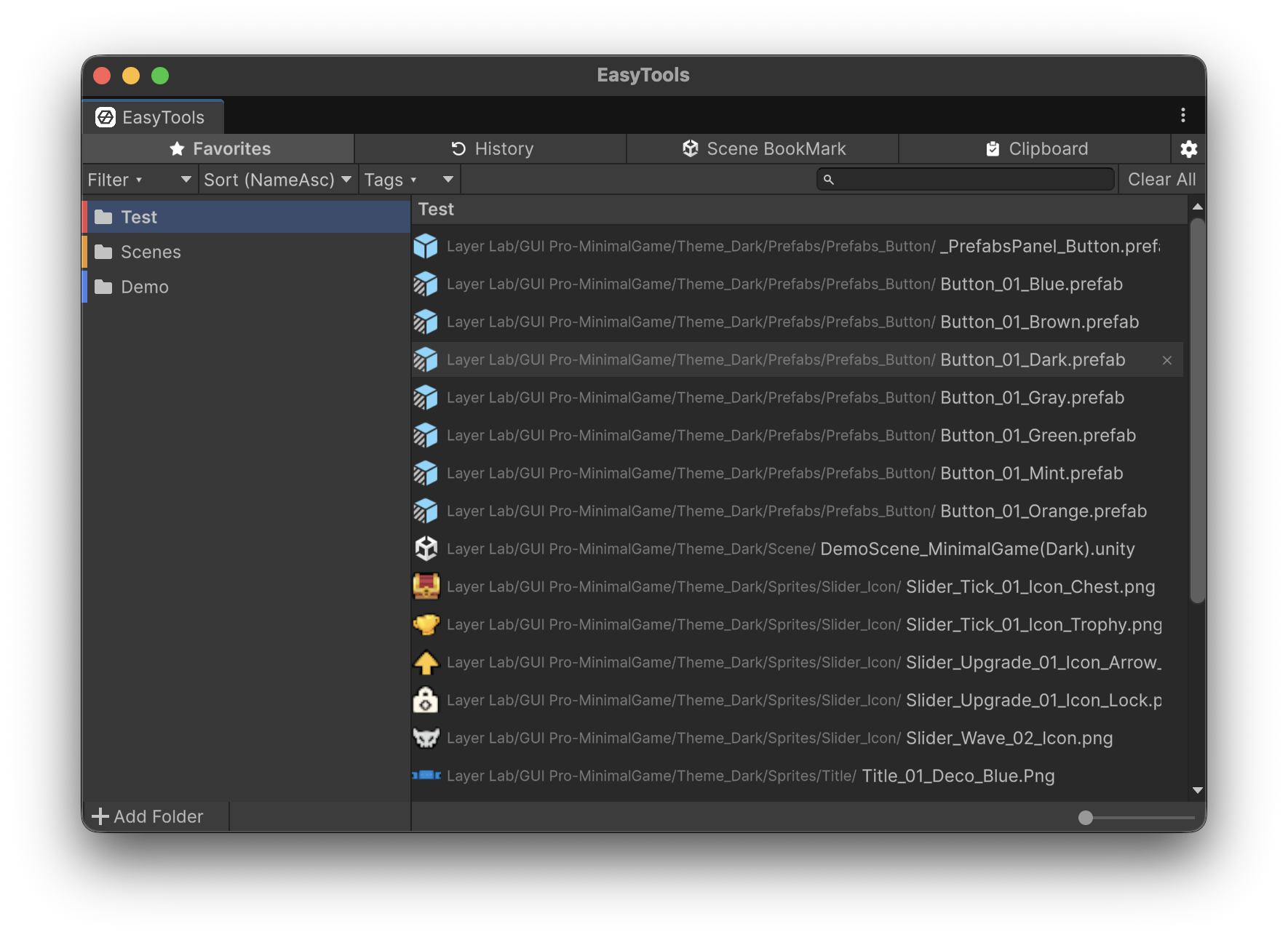
드래그 한 번이면 됩니다. 자주 쓰는 에셋을 폴더 단위로 정리하고, 색상으로 카테고리를 구분해 한눈에 찾아냅니다. A single drag does it. Organize favorite assets into color-coded folders and spot them at a glance.
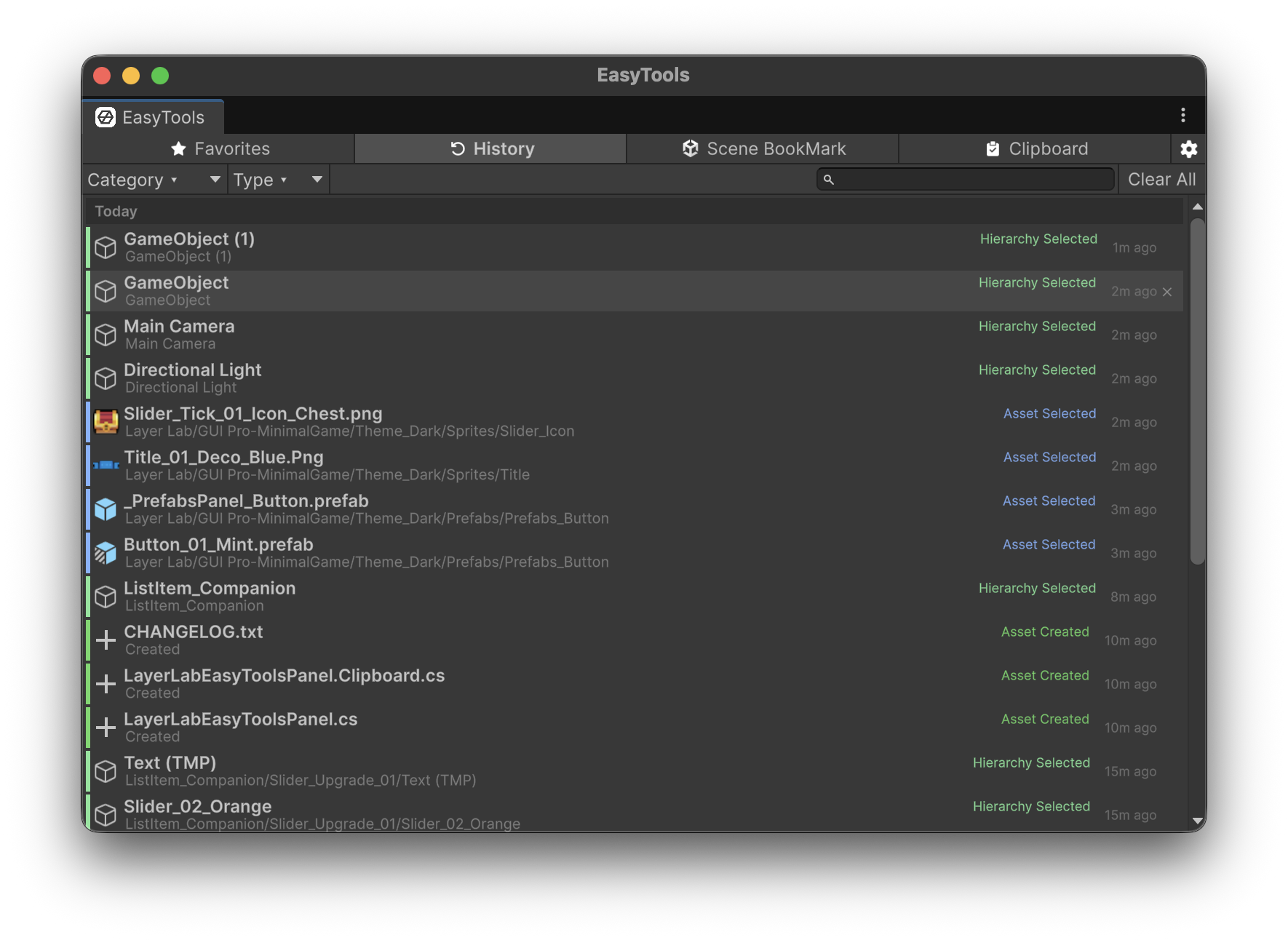
에디터에서 일어난 모든 변경을 자동 추적합니다. 무엇을, 언제, 어디서 만졌는지 더 이상 기억하지 않아도 됩니다. Every change in the editor is captured automatically. No more remembering what you touched, when, or where.
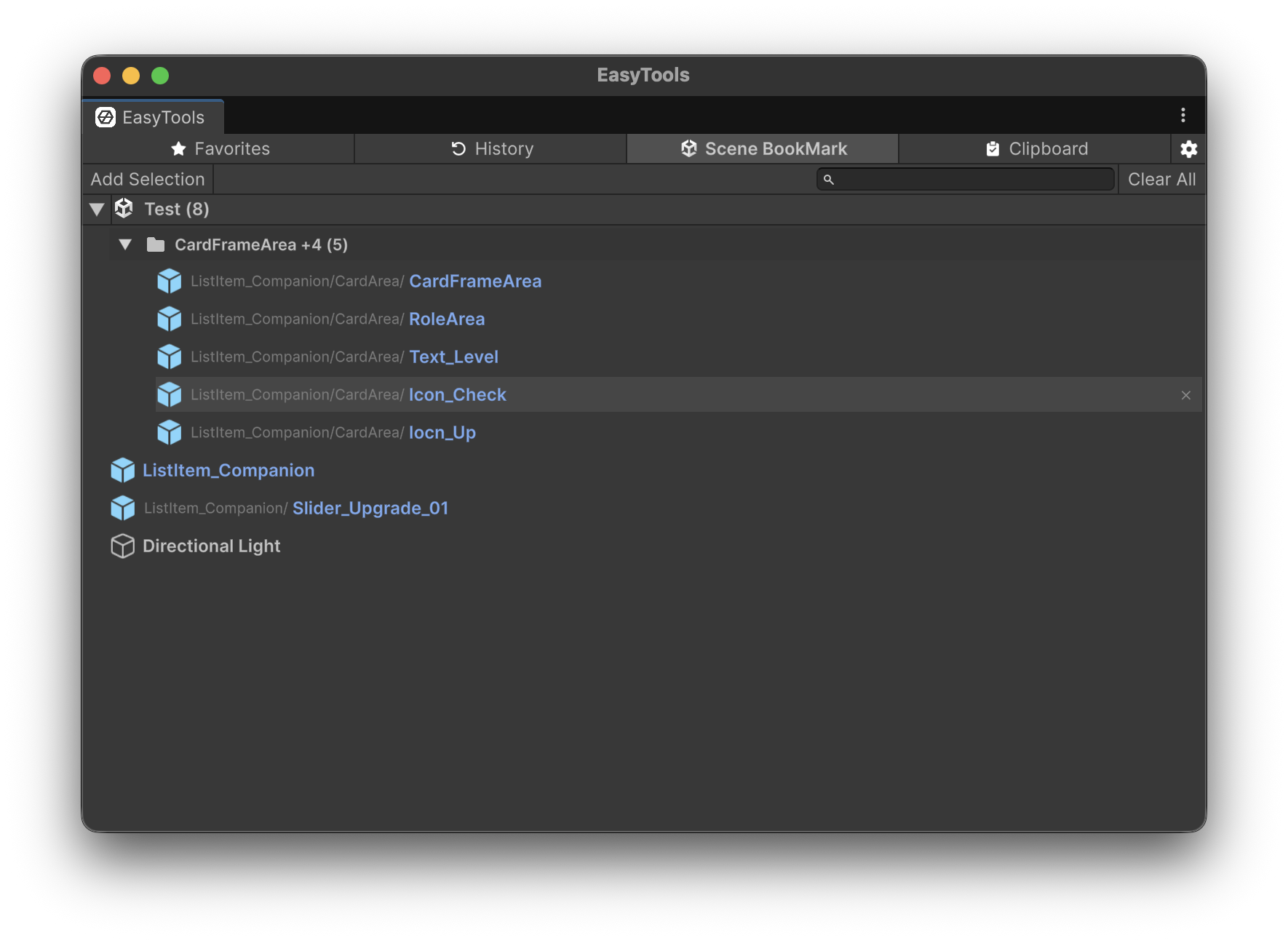
중요한 오브젝트를 북마크해 두면 다음 작업에서도 즉시 찾아갑니다. 큰 씬에서 길을 잃을 일이 없습니다. Bookmark important objects and reach them instantly in your next session. Never get lost in large scenes again.
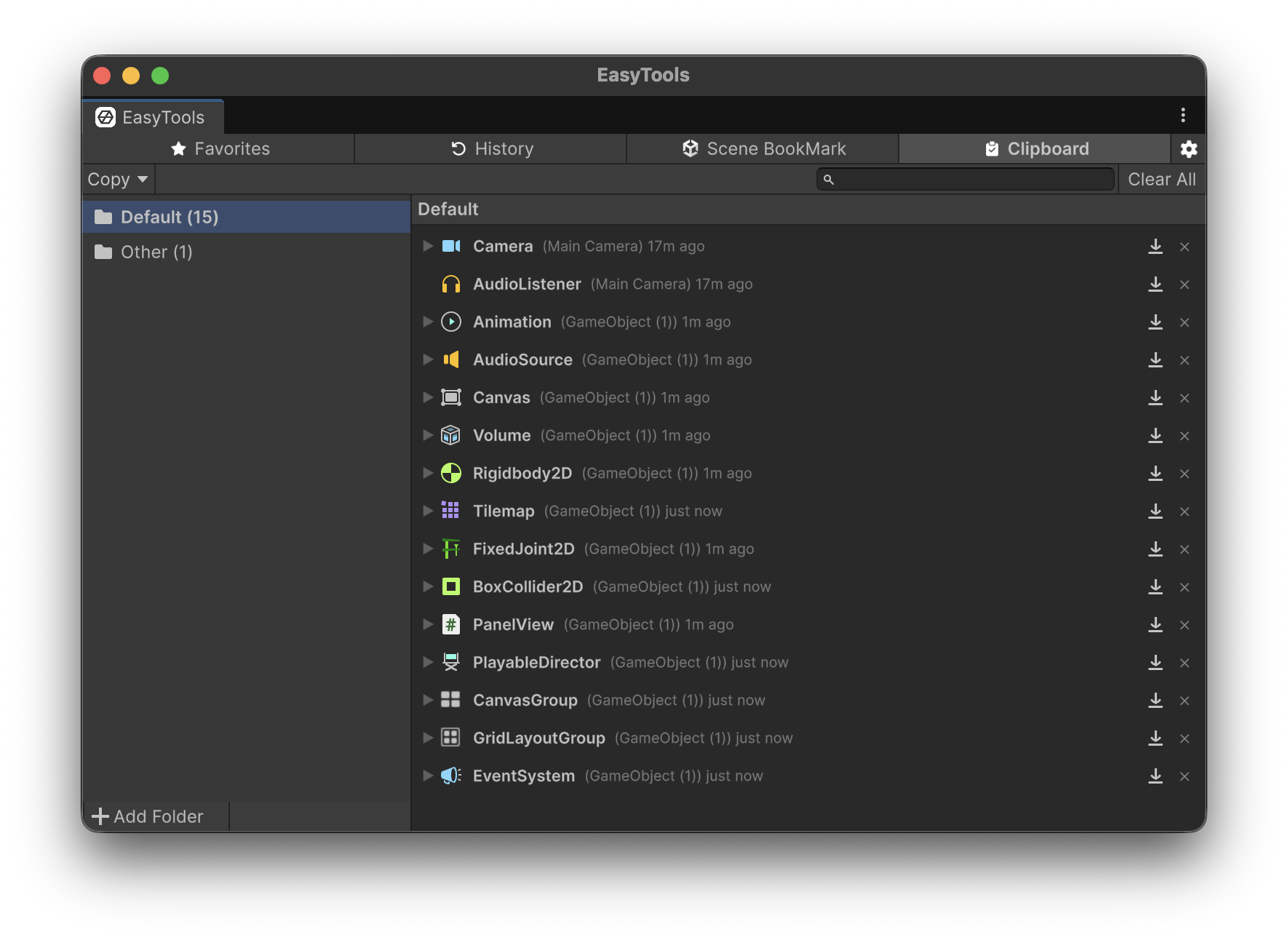
인스펙터에서 바로 복사하고, 값을 미리보며 편집한 뒤, 여러 오브젝트에 한 번에 붙여넣습니다. Copy components straight from the inspector, preview and tweak values, then paste into many objects at once.
스크린샷보다 직접 움직이는 모습을 보는 게 빠릅니다. 각 도구가 에디터 안에서 어떻게 동작하는지 짧은 영상으로 확인해보세요. A short clip beats a screenshot. Watch how each tool behaves inside the Unity editor.
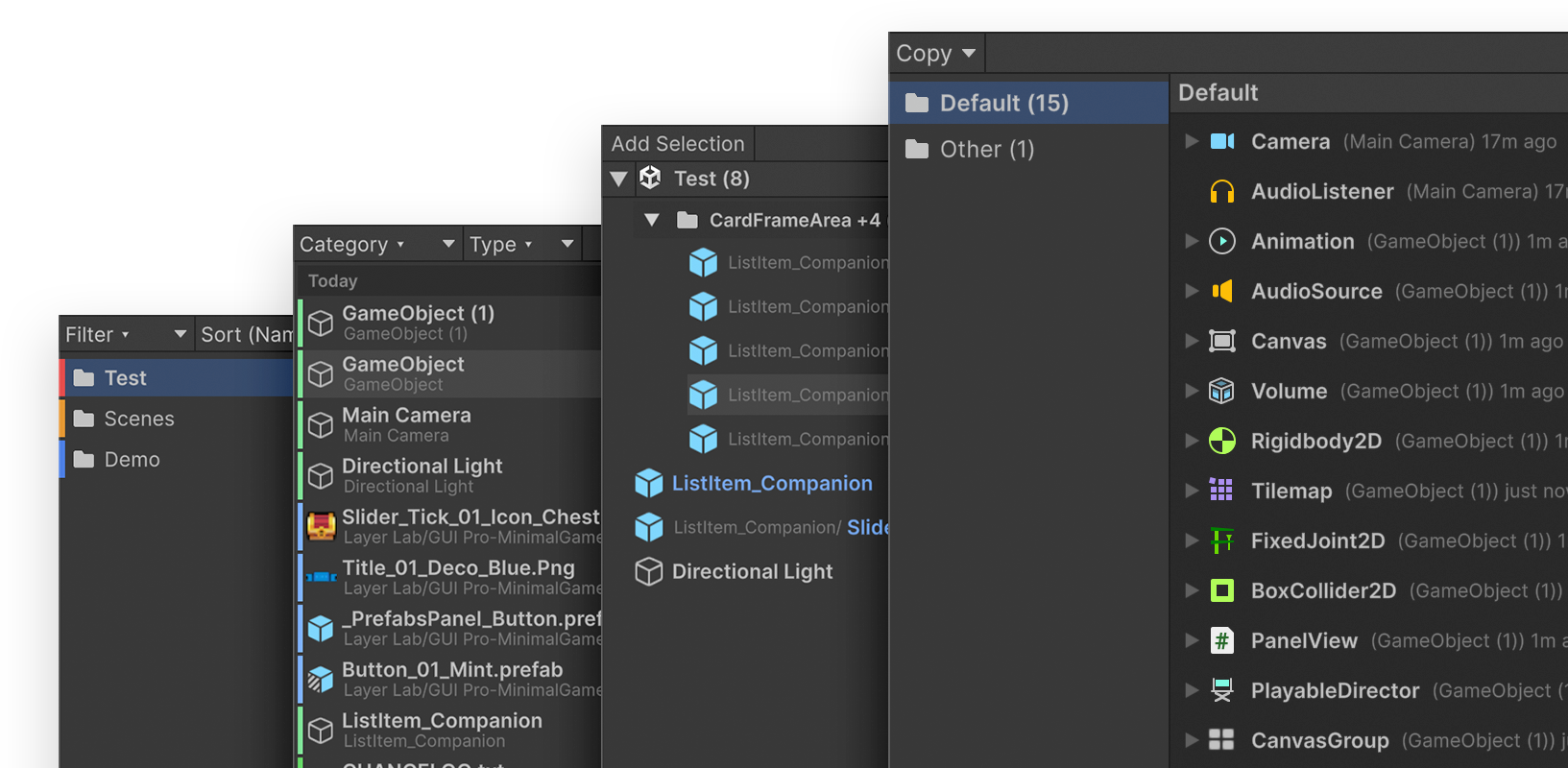
Unity 에디터의 반복 작업을 줄여주는 4개의 도구(Favorites · History · Scene Bookmarks · Clipboard)를 묶은 에디터 확장 패키지입니다. 런타임에는 아무 영향을 주지 않습니다. An editor extension bundling four tools (Favorites, History, Scene Bookmarks, Clipboard) to remove repetitive work in the Unity editor. It has zero runtime impact.
Unity 2021.3 LTS 이상에서 동작합니다. URP / HDRP / Built-in 렌더 파이프라인과 무관하며 에디터 전용으로 동작합니다. Unity 2021.3 LTS and later. Works regardless of render pipeline (URP / HDRP / Built-in) and runs entirely inside the editor.
없습니다. UPM 패키지나 서드파티 라이브러리에 의존하지 않으며, 기본 Unity API만으로 동작합니다. None. It relies on no UPM packages or third-party libraries — only the default Unity API.
에디터 전용 어셈블리로 분리되어 있어 런타임 빌드에는 포함되지 않습니다. 저장 데이터는 프로젝트별 EditorPrefs 영역에만 기록되어 기존 데이터와 분리됩니다. All code lives in an editor-only assembly, so it is excluded from runtime builds. Saved data lives in per-project EditorPrefs, isolated from your existing data.
네. 한 번 구매하시면 이후의 모든 업데이트를 Asset Store에서 무료로 받을 수 있습니다. Yes. After a single purchase, every future update is available for free on the Asset Store.
Unity Asset Store EULA를 따릅니다. 팀 단위로 사용하실 경우 좌석 수만큼 구매가 필요합니다. 자세한 문의는 아래 이메일로 부탁드립니다. We follow the Unity Asset Store EULA — one purchase per seat. Reach out via the email below for team inquiries.
support@layerlab.io 으로 보내주시면 됩니다. 재현 단계와 Unity 버전을 함께 적어주시면 빠르게 도와드릴 수 있습니다. Email support@layerlab.io. Including reproduction steps and your Unity version helps us respond faster.
평일 기준 보통 1영업일 안에 답변드립니다. 한국어와 영어 모두 가능합니다. Typically within one business day on weekdays. Both Korean and English are supported.